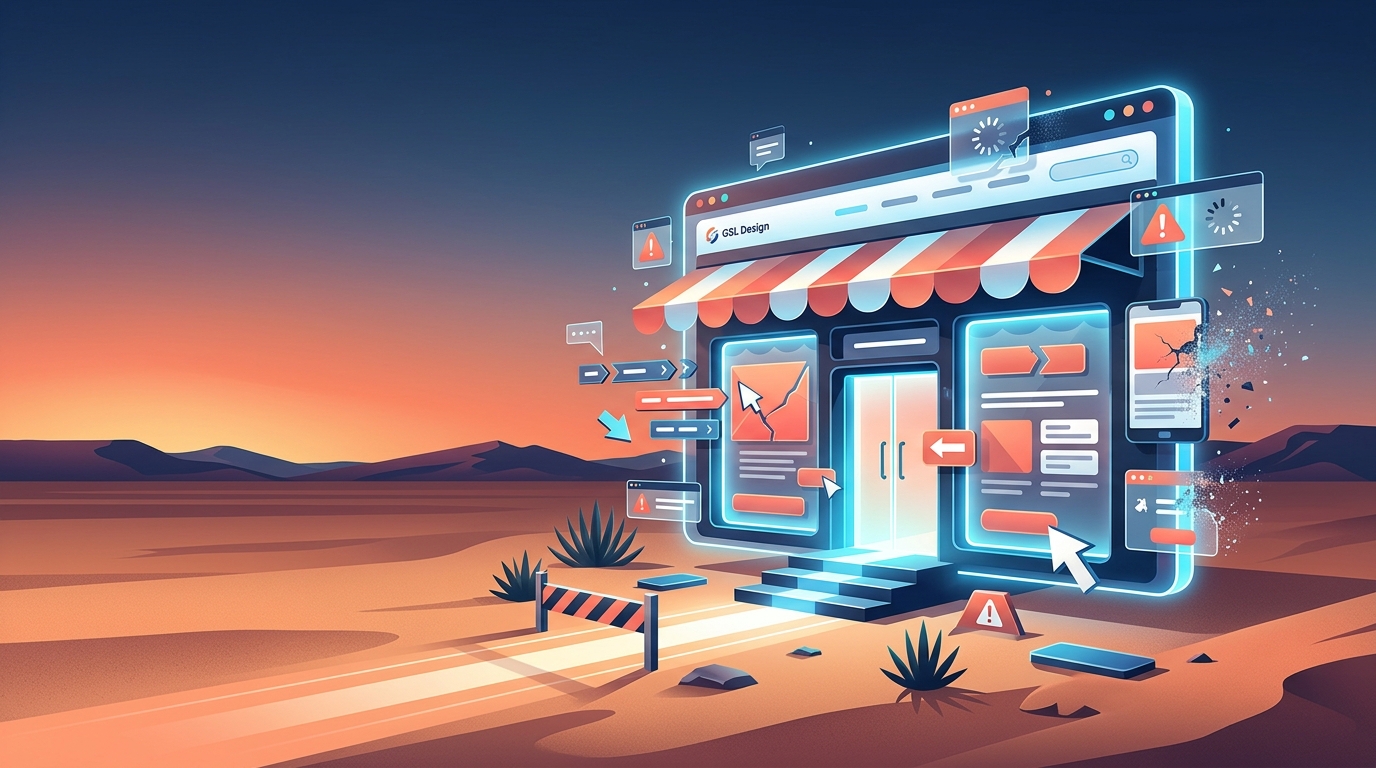
Your website is working for you (or against you) every hour of the day. Most business owners focus on whether a site looks good, but the common website design mistakes businesses make are rarely about appearance. They’re about broken flows, missing signals, and design choices that quietly push potential customers away before they ever reach out. This article covers the most frequent and costly design pitfalls I see, why they happen, and exactly what you can do to fix them.
- Key takeaways
- Unclear or missing calls to action
- Slow website loading speed
- Confusing or cluttered navigation
- Non-responsive design that fails mobile users
- Missing trust signals that undermine credibility
- Neglected maintenance and site decay
- My take on avoiding the redesign trap
- How GSL Design helps you avoid these pitfalls
- FAQ
Key takeaways
| Point | Details |
|---|---|
| CTAs drive conversions | Missing or unclear calls to action are one of the fastest ways to lose leads from otherwise good traffic. |
| Speed directly affects revenue | Pages that load slower than 2-3 seconds lose the majority of visitors before they see your offer. |
| Mobile design is non-negotiable | Fixed layouts and small tap targets on mobile frustrate users and hurt your search rankings. |
| Trust signals matter | SSL certificates, reviews, and clear policies visibly increase visitor confidence and willingness to contact you. |
| Maintenance prevents decay | Regular audits and updates prevent the slow performance and security issues that force costly redesigns. |
1. Unclear or missing calls to action
Unclear or missing CTAs are among the most reliable ways to kill conversions on an otherwise solid website. A call to action (CTA) is any button, link, or prompt that tells a visitor what to do next: call now, request a quote, schedule a consultation, add to cart. Without a clear one, visitors read your page and leave.
The most frequent CTA mistakes I see on local business sites include:
- Hidden or below-the-fold placement. If visitors have to scroll to find your phone number or contact button, many won’t bother.
- Vague labels. “Click here” and “Learn more” tell the visitor nothing. “Get a Free Estimate” or “Call Us Today” tells them exactly what they get.
- Too many competing CTAs. Showing five different options at once creates decision paralysis. Pick one primary action per page.
- Inconsistent styling. If your CTA button looks like body text, it won’t register as clickable.
Good CTAs are visually distinct, placed where the eye naturally lands, and written in plain language. On a service page, the primary CTA should appear near the top, again mid-page, and once more at the bottom. Repetition here is not annoying. It’s practical.
Test your CTA button color against your background. A high-contrast button (think orange on white or white on dark blue) draws the eye far more reliably than a muted, “on-brand” shade that blends into the page.

If you want to see how CTA copy connects to the rest of your homepage messaging, this guide on writing homepage copy covers it in practical detail.
2. Slow website loading speed
Users expect pages to load fast. A 2-second mobile load time is the benchmark most users expect, and sites that exceed 3 seconds lose the majority of visitors before the page even renders. That’s not a UX inconvenience. That’s lost business.
The most common causes of slow sites are straightforward to fix:
- Unoptimized images. A 4MB photo uploaded straight from a phone is the single most common culprit I find when auditing a slow site. Compress images before uploading and use modern formats like WebP.
- Too many plugins. Each plugin adds load time. If a plugin hasn’t been updated in 18 months and you’re not sure what it does, it probably shouldn’t be there.
- No caching. Caching stores a version of your pages so the server doesn’t rebuild them from scratch every time someone visits. Most WordPress hosts support this with a basic plugin.
- Unresized embeds and iframes. Third-party maps, videos, and booking widgets can add significant load overhead when not configured properly. Layout instability from unsized embeds also causes elements to jump around the page as it loads, frustrating users and triggering mis-clicks.
Google uses page speed as a ranking factor. A site that loads in under 2 seconds will generally outrank a visually identical site that loads in 4 seconds, all else being equal.
Run your site through Google PageSpeed Insights (free). It gives you a specific, prioritized list of what’s slowing you down. Start at the top and work down.
If slow load times are already costing you customers, you’ll find the broader picture laid out clearly in this piece on signs your website is losing you business.
3. Confusing or cluttered navigation
Navigation is the skeleton of your website. When it’s unclear, visitors can’t find what they need and leave. Poor navigation and cluttered menus directly increase bounce rates and reduce the chance of a visitor converting into a lead.
The most practical navigation advice I can give you is this: fewer choices move people faster. Menus with 3 to 5 main categories tend to outperform menus packed with eight or ten options. Every additional item adds cognitive work for the visitor.
Watch for these specific navigation problems on your site:
- Dropdown menus that appear only on hover. On mobile, hover states don’t exist. Visitors on phones simply can’t access these menu items.
- Industry jargon as menu labels. Your “Solutions” tab means nothing to a first-time visitor. “Services” or “What We Do” is clearer and converts better.
- No consistent header navigation. If your menu disappears or changes on interior pages, visitors lose their bearings immediately.
- Missing footer links. Footers are where many users look for contact information, hours, and legal pages. A sparse footer leaves trust on the table.
Good navigation also helps search engines crawl your site more efficiently. A clean, logical structure signals to Google what your most important pages are. That’s a practical SEO benefit, not just a usability one. If you want a full list of the pages your site should actually have, the small business website checklist at GSL Design is a useful starting point.
4. Non-responsive design that fails mobile users
More than half of all web traffic comes from mobile devices. If your site was built years ago without mobile responsiveness in mind, your visitors on phones and tablets are experiencing a broken version of your business.
Common responsive design issues include fixed-width layouts that require horizontal scrolling, text that’s too small to read without zooming, and tap targets (buttons and links) that are too close together to press accurately on a touchscreen. Each of these kills engagement.
Here’s what to check on your own site right now:
- Pull up your website on your personal phone. Does the text fit the screen without zooming?
- Can you tap each button without accidentally hitting the one next to it?
- Do images scale down properly, or do they overflow the page edges?
- Does the navigation collapse into a usable mobile menu?
Google’s mobile-first indexing means Google predominantly uses the mobile version of your site to determine rankings. A site that looks fine on a desktop but breaks on a phone is penalized in search results, not just in user experience.
Use Google’s free Mobile-Friendly Test tool. Type in your URL and it shows you exactly how Google sees your mobile version, with specific issues flagged.
5. Missing trust signals that undermine credibility
Visitors make trust decisions in seconds. If your site doesn’t immediately signal that you’re legitimate and professional, most people won’t stick around to find out more.
Missing trust signals are a frequent and underappreciated design oversight. The key ones to address:
| Trust Signal | What It Does | Where to Place It |
|---|---|---|
| SSL certificate (HTTPS) | Shows padlock in browser bar; protects visitor data | Site-wide, automatically applied |
| Customer reviews | Provides social proof from real buyers | Homepage, service pages, dedicated reviews section |
| Clear contact information | Confirms you’re reachable and real | Header, footer, Contact page |
| Privacy policy and terms | Meets legal requirements and builds credibility | Footer links |
| Professional headshot or team photo | Humanizes the business | About page, homepage |
An SSL certificate is the minimum expectation in 2026. Any site without HTTPS will show a “Not Secure” warning in browsers, and that warning alone will turn away a significant portion of visitors. Most hosts include free SSL through Let’s Encrypt. There’s no reason to skip it.
Reviews deserve dedicated placement, not just a buried tab. A short section on your homepage with two or three real reviews (with names and, ideally, photos) outperforms a page full of vague statements about quality and service.
6. Neglected maintenance and site decay
A website is not a one-time project. It’s an ongoing system, and neglected maintenance causes a predictable chain of problems: outdated plugins create security vulnerabilities, broken links frustrate visitors and hurt SEO, and unoptimized images accumulate as new content gets added without any standards in place.
The most common maintenance oversights I find when auditing sites for local businesses:
- Plugins that haven’t been updated in months. Outdated plugins are the leading cause of WordPress site hacks.
- Broken internal links. Pages get deleted or renamed, but old links pointing to them remain. Google sees this as low quality.
- Images added without compression. One team member uploads a banner photo straight from their camera. Over time, 20 of these have accumulated and the site is now loading 60MB of uncompressed images.
- Expired business information. Hours, phone numbers, and service offerings change. The website doesn’t.
The alternative to regular maintenance is usually a full redesign. And as iterative updates outperform big-bang redesigns by a significant margin, that redesign often costs more and performs worse than consistent small improvements would have.
Set a recurring calendar reminder once a month to check your site’s Google Search Console for crawl errors, run a broken link check, and confirm your contact information is current.
A maintenance plan doesn’t require a developer on retainer. A structured approach to website maintenance in 2026 covers the minimum viable routine for most small business sites.
My take on avoiding the redesign trap
I’ve worked with enough local businesses in Yuma and the surrounding area to say this with confidence: the most expensive website mistake isn’t a bad CTA or a slow image. It’s waiting too long to fix anything, then deciding a full redesign is the only answer.
I’ve seen redesigns fail not because the new design was bad, but because the navigation changed in ways that confused returning customers, or because URL structures got rebuilt without proper redirects. The site looked better and performed worse. Google dropped it. Leads dropped with it.
My approach with every client is to prioritize what’s breaking first, not what’s visually outdated. Fix the CTA that nobody is clicking. Compress the images that are slowing the page down. Add the SSL certificate that’s triggering a browser warning. These fixes are unglamorous but they produce real results faster than any redesign will.
The businesses I see grow online are not the ones that rebuilt their sites every three years. They’re the ones that treated their websites as living systems: updated, maintained, and adjusted based on what the data shows. That’s the mindset shift worth making.
How GSL Design helps you avoid these pitfalls
If you’ve recognized several of these issues on your own site, you’re not alone. Most of the businesses I work with in Yuma, Somerton, and the surrounding area come to me after realizing their current site is costing them leads they should be capturing.
At GSL Design, I build custom WordPress websites with clear CTAs, fast loading times, and mobile-first layouts built in from the start. Every project includes SEO structure, trust signal placement, and proper technical setup so your site works as hard as you do. I also offer SEO-focused website builds for businesses that need to rank and convert, not just look professional. If your site has issues you want addressed without starting over, reach out and I’ll tell you honestly what needs fixing.