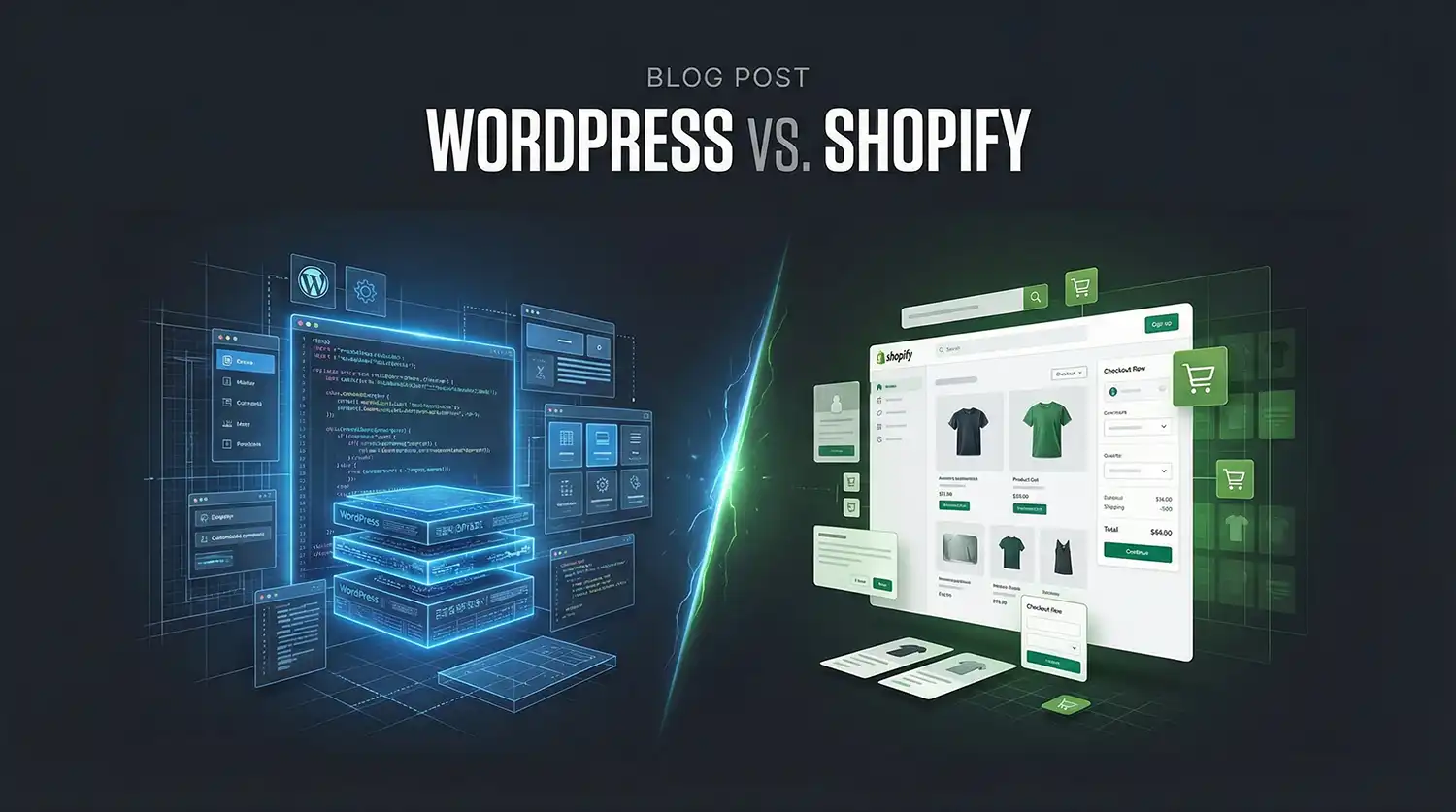
WordPress and Shopify can both support business websites, but their operating models differ. Choose around the content, selling process, integrations and support the business needs.
A feature list is only a starting point. Review the complete cost and responsibility of the proposed setup before choosing a platform.
Start with the main purpose of the website
A service business may primarily need useful pages, project evidence and an inquiry route. A store also needs product information, checkout, payment and fulfillment workflows. Some businesses need both.
Write those requirements before comparing themes or visual demos. A complex product-selection journey needs a different review from a simple service estimate form.
WordPress: choose and maintain the setup
WordPress is an open-source publishing platform. In a self-hosted setup, the business or its provider chooses hosting and manages the selected themes, plugins and custom work. WooCommerce can add ecommerce functionality.
This flexibility comes with decisions about updates, compatibility, backups and support. Confirm who owns those tasks. WordPress.com offers managed services with its own plans; distinguish that service from a self-hosted WordPress installation.
Shopify: review the hosted commerce workflow
Shopify provides a hosted commerce platform. Review its product, checkout and administration workflow against the business’s requirements. Themes, apps and custom integrations can add their own cost and maintenance considerations.
Confirm current plan features, payment-related charges and app fees before quoting. The subscription is one part of the overall cost of operating the store.
Compare the responsibilities
Scroll horizontally to compare all columns.
| Area | What to confirm |
|---|---|
| Content | Who edits service pages, articles, products and project information? |
| Commerce | How do product options, payments, shipping and returns work? |
| Integration | Which external systems are required and who supports the connection? |
| Ownership | Which accounts, content and files can the business access or export? |
| Care | Who handles updates, backups and functional checks? |
SEO still needs useful content and implementation
The platform name does not establish a ranking result. Review service or product content, titles, links, indexing instructions and the customer journey. When replacing a site, preserve useful URLs or plan redirects.
Search and inquiry measurement should reflect the business’s priorities. Our SEO service can connect the website work to an ongoing improvement plan.
Choose from the actual brief
For a product-focused project, explore our ecommerce website design and the Fiberwerx case study. For a straightforward service site, Quick Launch may provide a simpler starting scope. We confirm platform fit rather than making every business use the same stack.
Platform references: WordPress, WooCommerce and Shopify online stores. Review their current offerings when preparing the final project quote.